MANUAL
Build it yourself
Full control over every shift.
- Drag-and-drop in the grid
- Copy a week in one click
- Templates for recurring shifts
Best when the manager knows the nuance of the shift
Build shifts, see coverage by role, and react to everything ahead of time.
A real grid with employee data. Hover over schedule details to see them.
Your whole team at a glance. No separate tabs per employee.
See thin and overloaded shifts ahead of time. Alerts fire before it becomes a problem.
Coverage alert: Wednesday 6:00 PM — no staff assigned
Flexible setup for any team — from one location to a chain.
LABOUR RULES
Hours per week, hours per shift, days in a row and rest between shifts are set as rules. The schedule checks itself against them, while the final call still stays with the manager.
Set the norms once — and the schedule is checked against them on every edit. Excel stays silent about overtime; Smengo warns you before publishing.
Before publishing: you can't quietly publish a 60-hour week — the final word is the manager's: 'Publish anyway'.
TWO EQUAL PATHS
Two ways to build a schedule — same result
MANUAL
Full control over every shift.
Best when the manager knows the nuance of the shift
AI
AI builds the schedule in minutes using your rules.
Fills a month for 12 people in 1 minute
Same outcome: a live shift schedule with coverage, hours, roles, and edit history.
The schedule grid is connected to the team: employees see their shifts, managers get confirmations, and AI helps build a working month faster.
A board from applied to hired, AI resume screening, 5 interview questions.
Learn moreContacts behind a permission, documents with a 30-day badge, 100% history.
Learn moreAn AI plan of 4–8 stages, at-risk deadlines, 3–5 question quizzes.
Learn moreYou are hereA month on one screen, 4 labour norms, AI generator, demand forecast.
Learn moreOne-tap check-ins, 28-day availability, swaps, a calendar subscription.
Learn moreAn approved swap becomes an open shift on its own; conflicts are blocked.
Learn moreHours from check-ins, XLSX/CSV in one click, 5 risk detectors, what-if.
Learn morerisks and coverage feed the next schedule ⟲risks and coverage feed the next scheduleRESULT
Smengo turns shift scheduling from a manual spreadsheet into a managed workflow: fewer questions, fewer mistakes, and a faster start to the week.
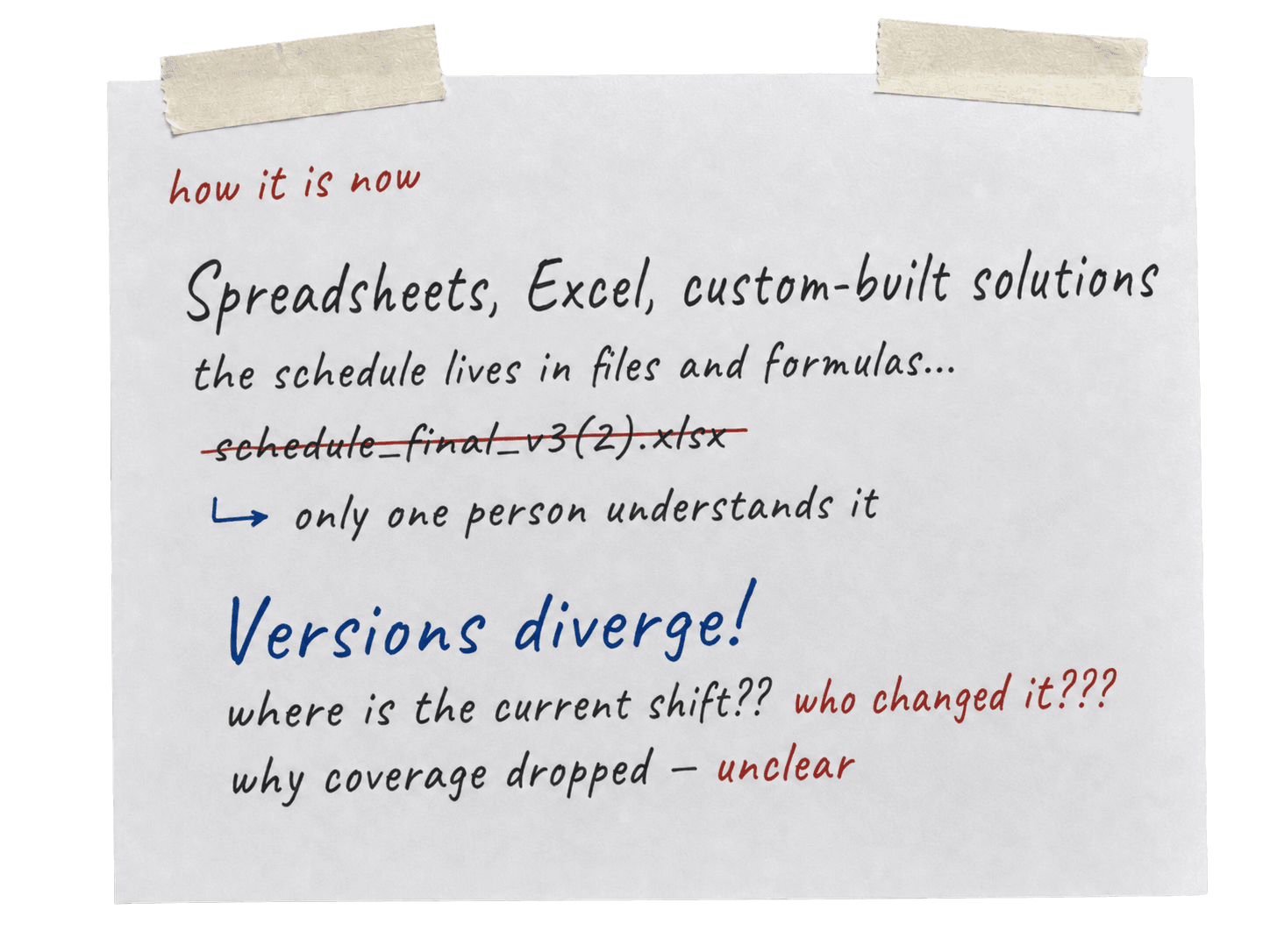
Roles, access, vacations, swaps, and limits move from chats into one managed process.
Employees see current shifts, while managers see risks early and keep a change history.
Result: fewer questions, fewer mistakes, and a faster recurring schedule launch.
Free 14-day trial. No card. Cancel anytime.

